
AI Developer
Claude Code in Jira
Hand a Jira issue to Claude Code and get a working implementation on a branch, typically within minutes. A summary lands as a comment on the ticket, and your team reviews and merges as usual.
It runs on your repositories with your own credentials, and it works without Rovo.
See it in action
What AI Developer for Claude Code does
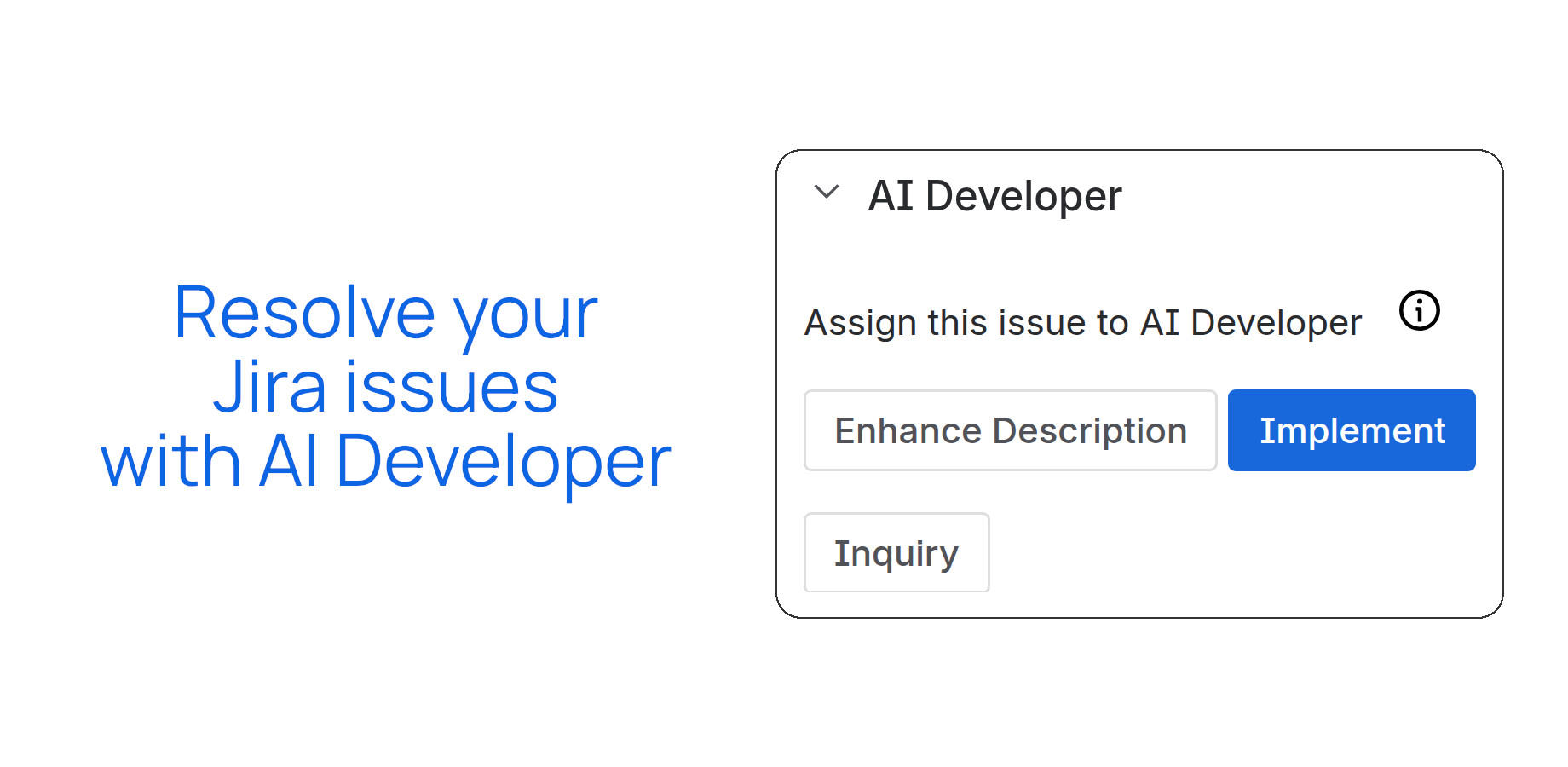
Click Implement on an issue. The AI plans the work, implements it step by step, commits and pushes to a dedicated branch. Connect GitHub, GitLab, Bitbucket or any self-hosted Git.
Use Inquiry to ask questions about a ticket or check requirements against your real code. Not happy with a result? Mention the app in a comment and it updates the same branch. Learn more
Use an Anthropic API key, your Claude subscription (Pro, Max, Team or Enterprise), or route Claude through your own AWS Bedrock or Microsoft Foundry account. Choose the Claude model that fits your budget.
Configure more than one repository per Jira project and route issues to the right codebase.
Each job runs in its own isolated runner, with EU, German and US regions available. Enterprise controls
Add a CLAUDE.md to the root of your repository with build commands and conventions. The AI picks it up automatically.
How it works
Click Implement in the AI Developer panel on any Jira issue — no extra setup per ticket.
It reads the issue summary and description to understand what's being asked.
Claude Code or OpenAI Codex writes the implementation — code, tests, and dev notes as applicable.
The implementation is committed and pushed to a dedicated branch in your configured repository.
A comment on the Jira issue links the branch and summarizes what changed, so the team can review.
Not quite right? Mention AI Developer in a comment with what to change, and it updates the same branch.
Need a review step before code is written?
For larger or less clear tickets, Spec Driven Development creates a spec your team reviews and edits in Jira before any code is written. It works with Claude Code or OpenAI Codex.
Frequently asked questions
Do I need an Atlassian Rovo license?
Who pays for the AI usage?
Will the AI change my main branch?
How do I set it up?
Is there a version for OpenAI Codex?
Get AI Developer for Claude Code
Available on the Atlassian Marketplace.